













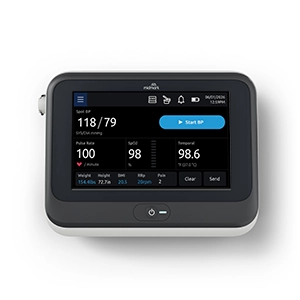


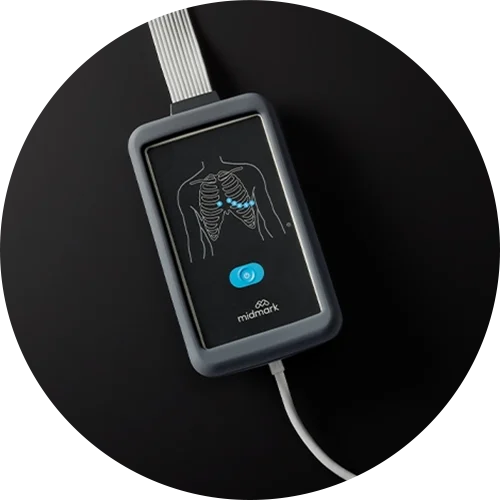












Smart View™
IT Checklist
If you are receiving this IT checklist, Midmark is looking for important information about your network/IT environment. If possible, please have your IT representative complete this form.
UNSUPPORTED WIRELESS NETWORK CONFIGURATIONS
Unsecured/Open guest networks (not requiring a password to connect)
Potential Workarounds for Unsupported Wireless Network Configurations:
- Setup a separate Wi-Fi network using a supported security configuration (WPA-PSK).
- Connect the device using ethernet if the wired network configuration meets the requirements specified below.
WPA2-ENTERPRISE SUPPORT VIA MIDMARK BRIDGE (MIKROTIK)
For customers using WPA2-Enterprise who cannot connect mobile devices or Smart View equipment directly.
Midmark Bridge Overview:
Midmark provides a small MikroTik "bridge" device that:
- Joins your secure WPA2-Enterprise SSID using enterprise authentication (PEAP, TTLS, or EAP-TLS).
- Shares that connection securely over Ethernet to the Midmark device.
- Ensures credentials/certificates reside on the bridge—not on the medical device.
- Works with common enterprise Wi-Fi authentication methods and can be updated/managed by Midmark
ETHERNET CONNECTIONS
Wired Network Requirements:
- Dynamic IP assignment via DHCP
Additional Supported Options: (not required, but may be requested by customer)
- Static IP assignment: Possible, but must be set from the DHCP server (cannot be set from the device side).
- MAC address whitelisting: To identify the MAC address of the ethernet adapter, a technical resource will need to connect the device to a network switch via an ethernet cable and use Wireshark (or similar tool) to identify the MAC address.
Unsupported Ethernet Configurations:
- Individual ethernet device identity/authentication utilizing a device certificate (802.1X, X.509-based, etc.) is NOT currently supported