










How Can Connected Vital Signs Devices Reduce Manual Documentation, Errors and Clinician Workload?

By:
Marketing Manager, Midmark Medical
October 19, 2026
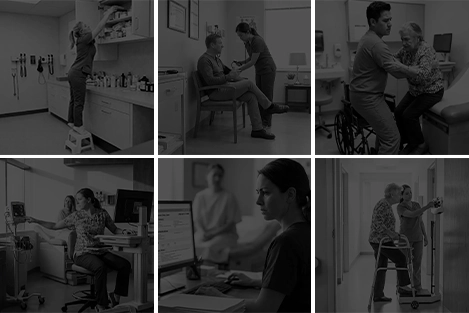
In a manual vital signs workflow, a caregiver may measure blood pressure, temperature, pulse and other readings, write them down, navigate to the correct fields in the electronic medical record (EMR), enter the values and then check the entry. Every step of this process can add time and create another opportunity for distraction or error.
This also creates friction—extra clicks, repeated steps and disconnected workflows that pull attention away from the patient. Connected vital signs devices can help remove some of that friction by transferring measurements directly into the patient record after clinician review—giving care teams more capacity to focus on patients.
The Hidden Workload in a Manual Vital Signs Workflow
Manual documentation can look like a small task when viewed through the lens of a single visit. Across a full schedule, however, the same sequence repeats: capture the measurement, record it temporarily, find the right chart and field, retype the value, verify it and correct it if needed. When weight comes from a separate scale or a device is located outside the exam room, it may add more movement and another data handoff.
In one study, paper-recorded measurements that were later keyed into an EMR had an 18.75% error rate.1 A separate ambulatory workflow observation compared a traditional process with in-room, automated vital signs and weight capture connected to the EMR. The connected workflow reduced the average process from 187 seconds to 118 seconds, a 69-second difference per patient.2 Actual results will vary by care setting, room design, EMR configuration, device setup and staff workflow. The difference between manual and connected workflows remains: removing repeated steps can save time during the vital signs process.
What Changes When Vital Signs Connect to the EMR
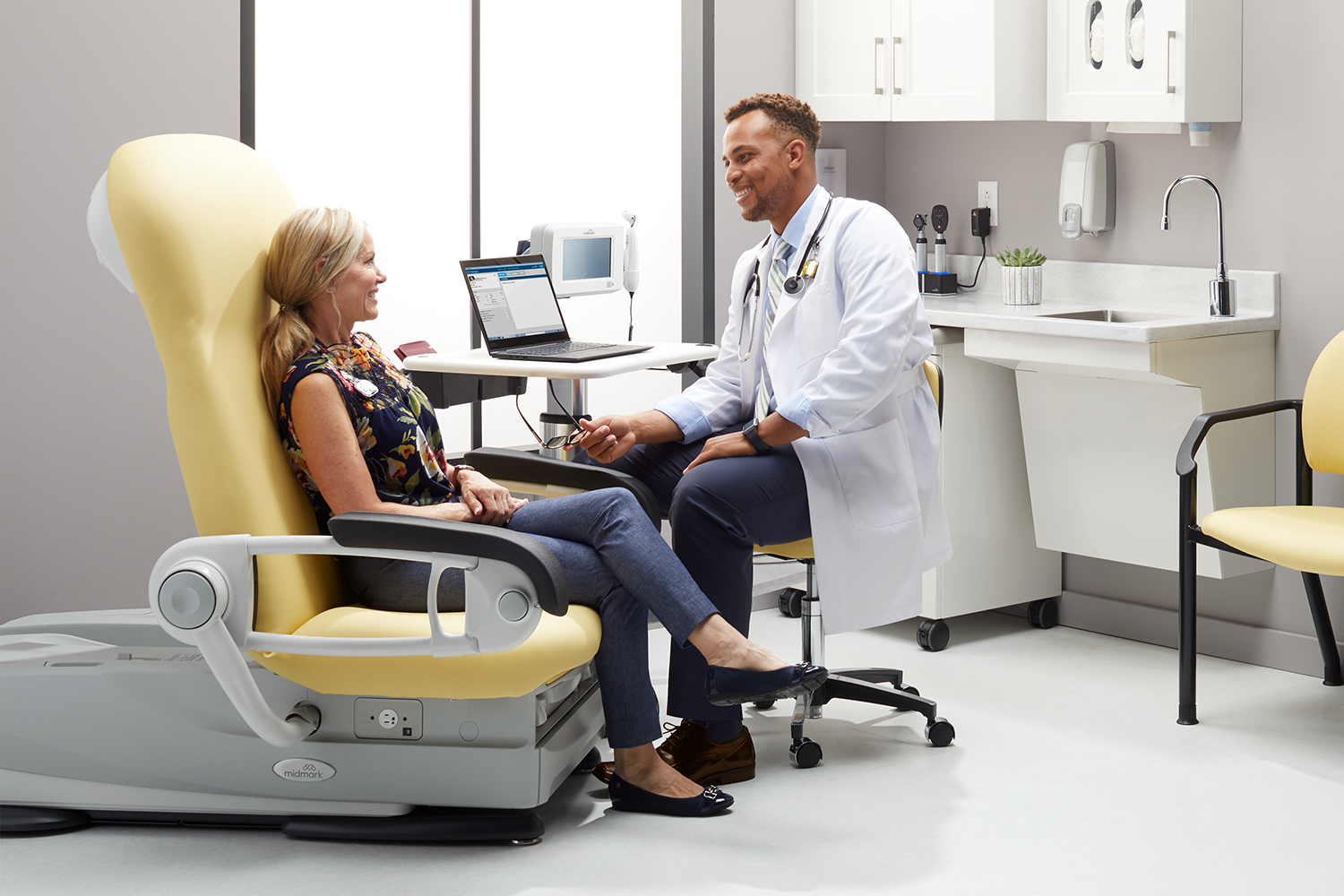
A connected workflow helps support a direct path between measurement and documentation. The exact sequence may vary among EMRs, and connectivity requirements should be confirmed for each environment. Still, the workflow design is important: the system helps reduce re-entry while preserving a human review step. Example steps could include:
- Launch from the patient record: the caregiver begins the vital signs workflow from the chart.
- Acquire the measurements: the connected device captures vital signs at the point of care.
- Review and save: the caregiver verifies the results before accepting them.
- Sync to the EMR: the measurements transfer directly to the designated fields in the patient record.
Three Ways Connectivity Can Reduce Friction
Reduce duplicate documentation
Direct transfer can help reduce temporary notes, extra entries and manual comparison. Caregivers can capture, review and save from the patient record rather than moving between a device screen, paper and the EMR. Fewer documentation steps can also make the expected workflow easier to teach and standardize across rooms or sites.
Reduce opportunities for transcription error and rework
When measurements populate the intended chart fields, that minimizes the need to key each value by hand. The clinician still reviews the measurements, instead focusing on whether the result is clinically and contextually appropriate rather than solely on correctness.
Reduce task switching during the visit
Disconnected tools ask caregivers to shift attention from the patient to the device, from the device to a note and from the note to the EMR. A connected point of care workflow can help reduce those transitions during the visit.
Connectivity Is a Workflow Decision, Not Only a Device Decision
A connected device cannot fix a poorly designed process by itself. Clinical, operational, IT and procurement teams should evaluate the full workflow before implementation. Useful questions include:
- Does the device connect with the organization's current EMR, version and approved technical environment?
- How does the workflow confirm the patient, device and destination fields before data transfer?
- Which measurements transfer, and how are exceptions, repeats or out-of-range results handled?
- What software, hardware, network, cybersecurity, support and licensing requirements apply?
- How will teams train users, manage downtime and compare the new workflow with the current baseline?
A proof of concept can help teams validate integration and workflow fit in their own environment before a broader rollout. Measure what matters locally, like documentation time, correction rates, clicks or screens, adoption, support tickets and staff feedback. A successful implementation should make the preferred workflow easier to follow, not add another step.
Bring Vital Signs Capture and the EMR Together
Small inefficiencies in vital signs documentation can be easy to overlook. But what would change if the care environment worked more efficiently for the people using it?
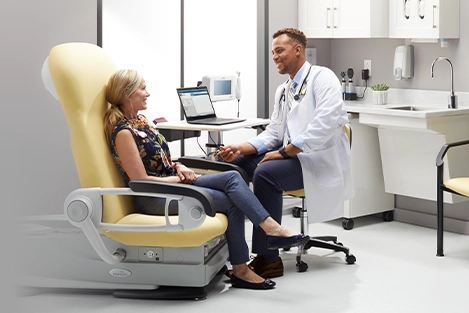
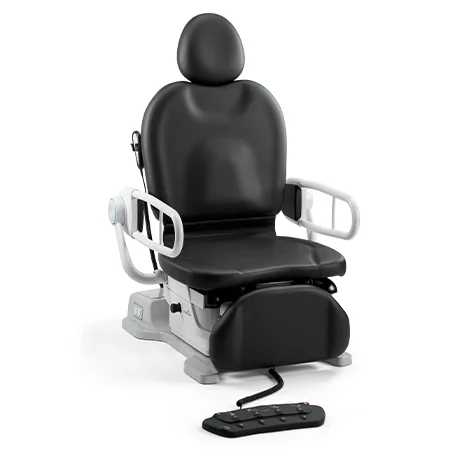
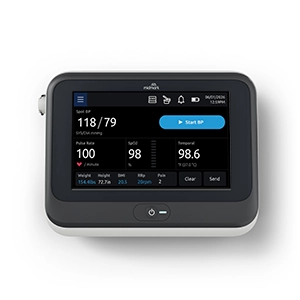
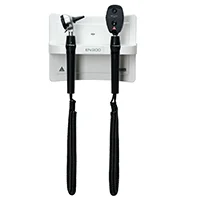
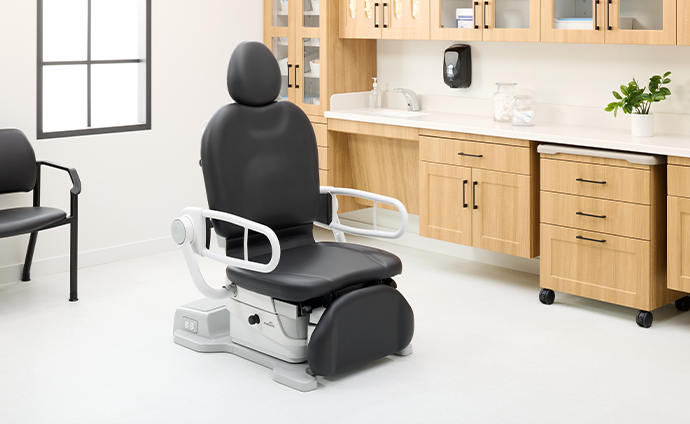
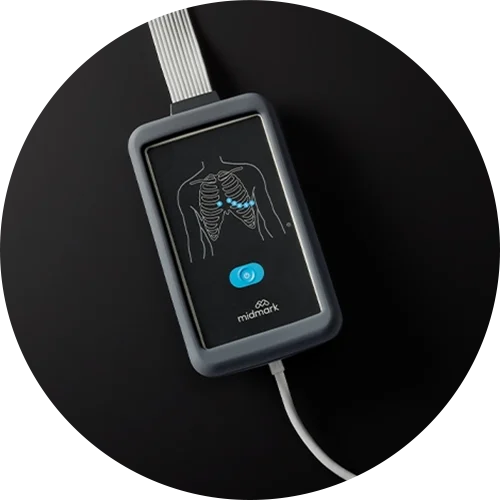
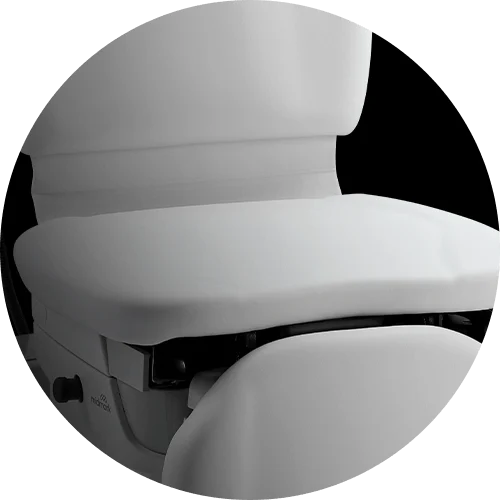
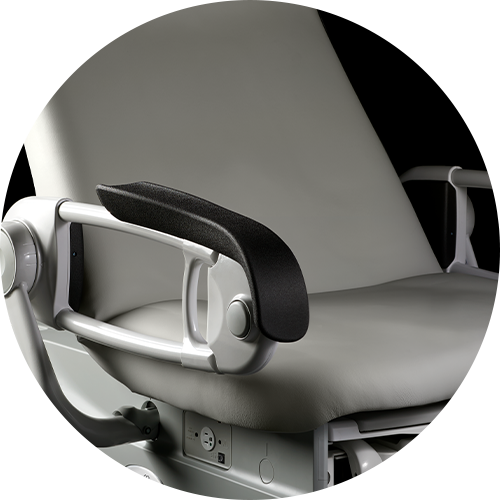
Midmark connected diagnostic solutions are designed to bring vital signs capture and the EMR workflow together. The Midmark® 800 Digital Vital Signs Device helps clinical teams capture, review and sync vital signs data within a connected workflow. When connected to the Midmark 626 Barrier-Free® Examination Chair with integrated digital scale, weight can also be captured at the point of care and sent to the EMR.
To learn more, visit Midmark Digital Diagnostic Solutions.
Additional Resources
- Why Automated Vital Signs Acquisition Matters in Ambulatory Care
- How to Create a Connected Point of Care Ecosystem in Your Medical Facility
- Understanding and Addressing the Costs of Vital Signs Acquisition
Sources
2 https://www.midmark.com/docs/default-source/documents/vital-signs-acquisition-infographic-rebrand-final.pdf